Every button, one thumb
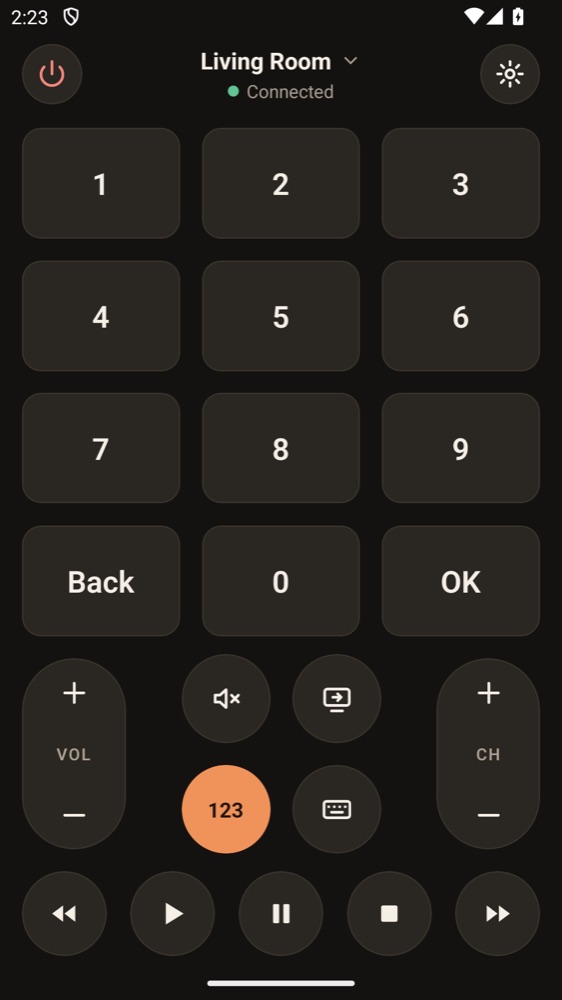
Power, D-pad, volume, channels, media keys and a number pad. Hold volume or the D-pad and it keeps going, with a small tap you can feel on each press.
 Universal TV Remote
Universal TV remote for your phone
Lost the remote down the sofa again? Your phone is already in your hand. Universal TV Remote finds your TV on your Wi-Fi and gives you every button, under one thumb.
Coming soon to Google Play
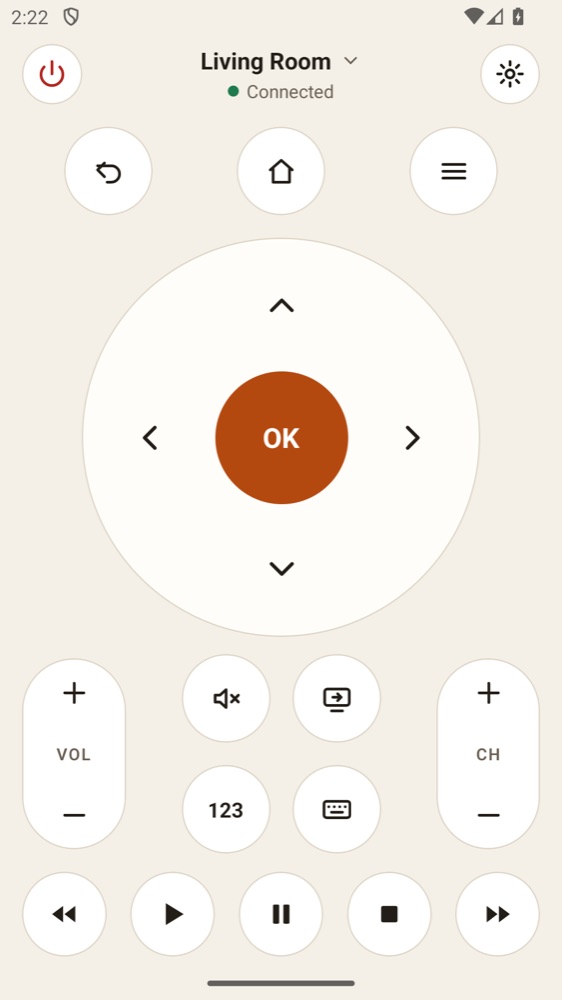
Power, D-pad, volume, channels, media keys and a number pad. Hold volume or the D-pad and it keeps going, with a small tap you can feel on each press.
Open the app and it looks for TVs on your Wi-Fi. If it cannot see yours, add it by IP address.
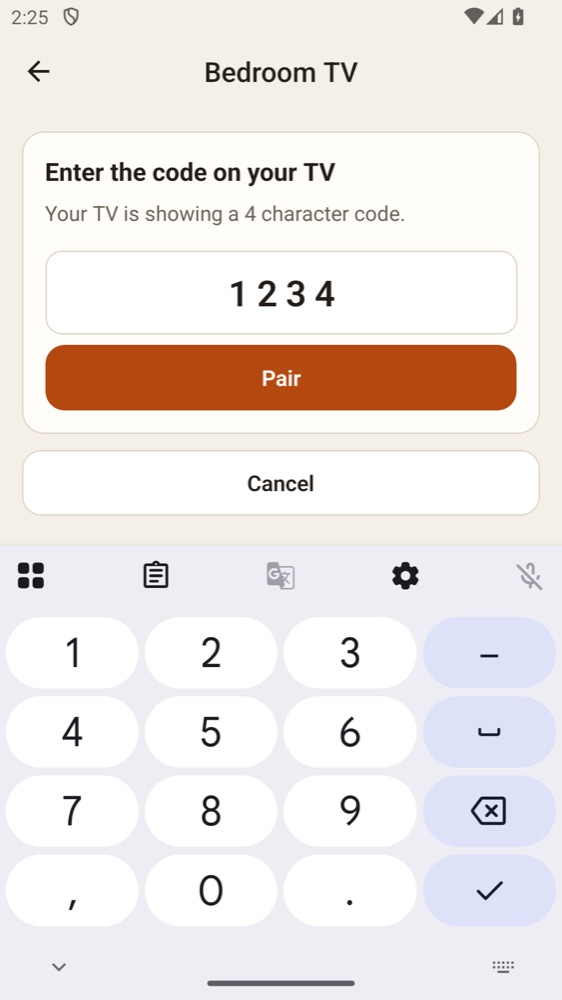
Accept the prompt on your TV or type the code it shows. After that the app opens on your last TV and reconnects by itself.
Save every TV in the house, name them, and switch between them.
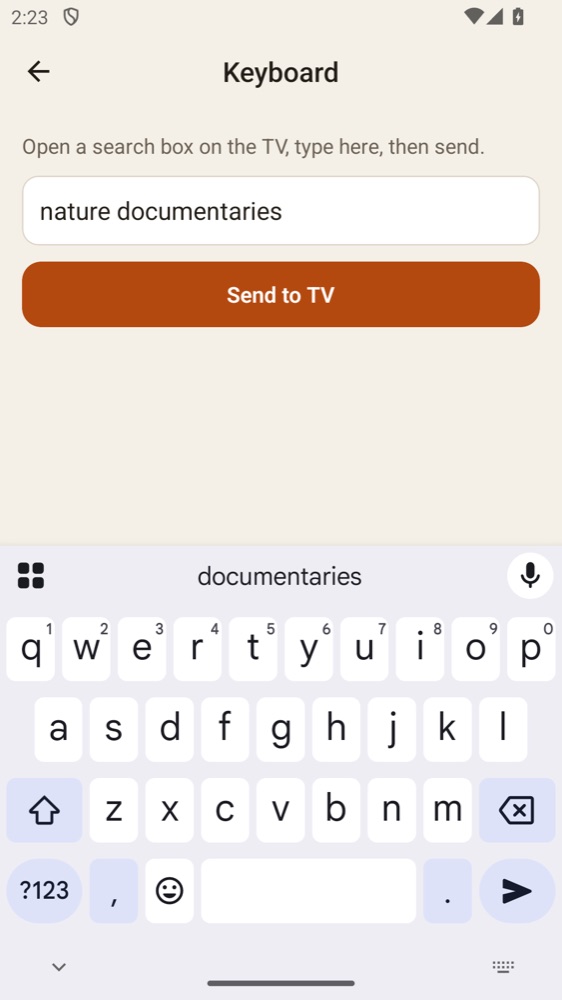
Searching with a TV remote is slow. On TVs that support it, use your phone's keyboard instead.
Where your TV supports it, switch it on from the app. Where it does not, the app says so.
Universal TV Remote is built for smart TVs on your Wi-Fi from Samsung (2016 and newer), LG (webOS), Sony, Vizio, Roku, TCL, Hisense, Philips, Panasonic, Sharp, Xiaomi, and other Google TV and Android TV sets.
TVs vary, and not every model has been tried yet. Your phone and TV must be on the same Wi-Fi network.
Not supported yet: Fire TV, and some newer Hisense VIDAA sets. TVs with no network connection cannot be reached this way.
Universal TV Remote has no ads, analytics or tracking. It talks to your TV over your home network and to nothing else, and the app collects no data at all.